Filter and View Outbound Orders by Status
Find an Order. In Flourish, the default view of your orders screen in Outbound will be filtered to view only Created, Allocated, or Partially allocated orders to reduce clutter. Easily view all order…
Find an Order
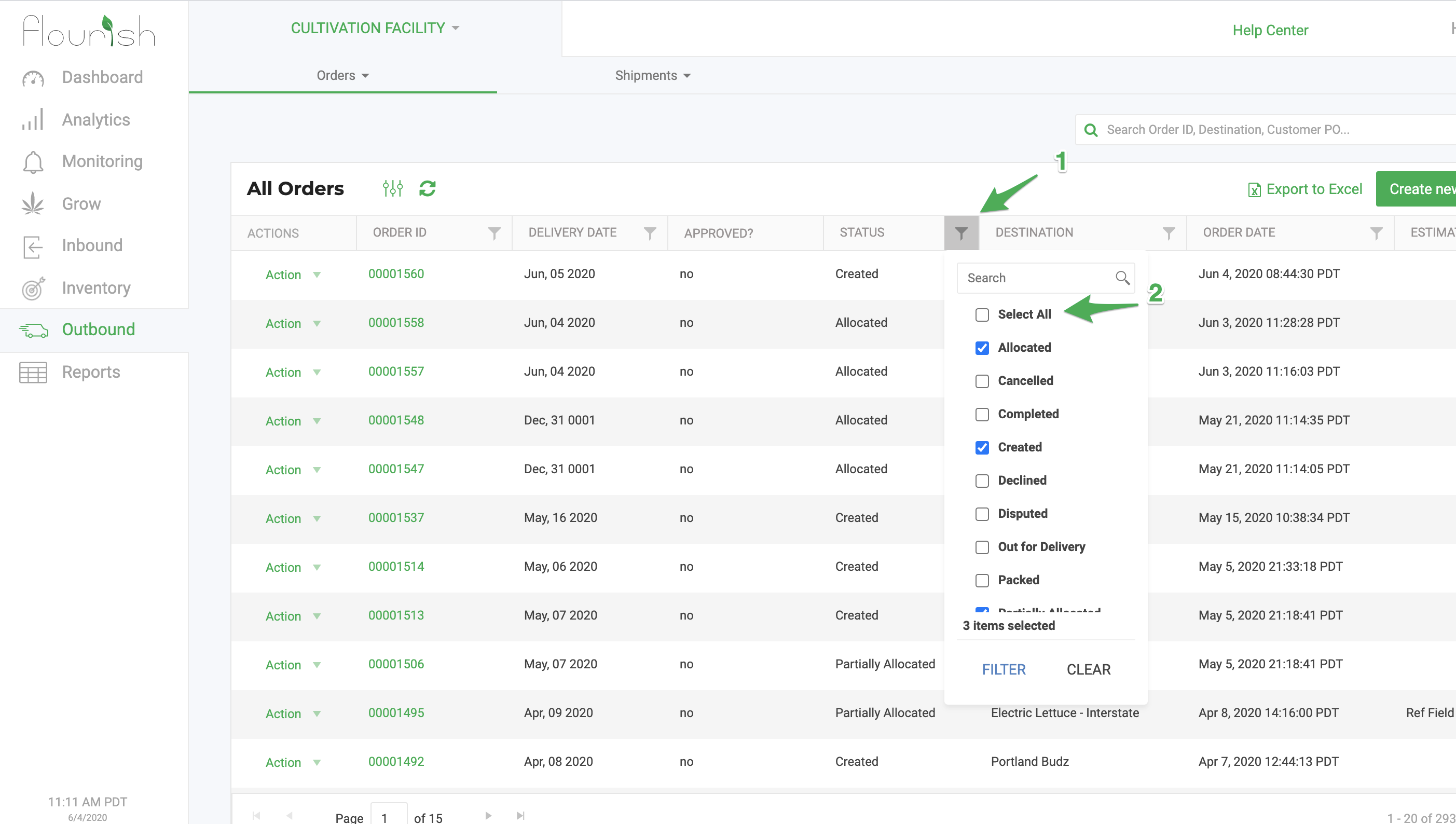
In Flourish, the default view of your orders screen in Outbound will be filtered to view only Created, Allocated, or Partially allocated orders to reduce clutter. Easily view all orders, including shipped orders, by clicking on the "Status" filter and checking "Select All."
How did we do?
Outbound Module Navigation: Orders, Shipments & Transfers
Outbound Order Status Fields
