Access Flourish Cannabis Data via Snowflake Marketplace
Access Flourish EDW data via private Snowflake Marketplace listing. Configure access control, compute resources, and query dimension/fact tables.
Flourish's Cannabis Analytics Snowflake Listing
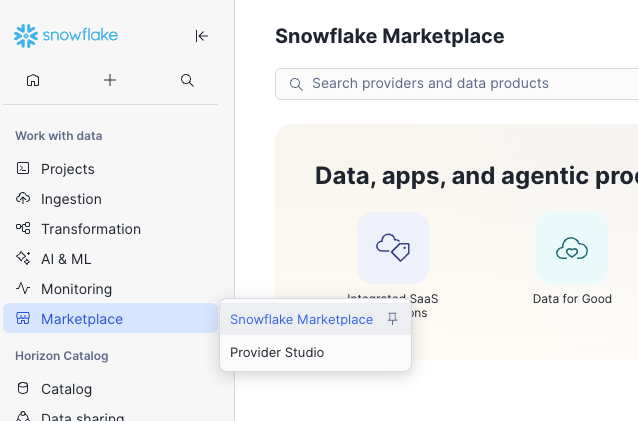
First, search the Snowflake Marketplace for "Flourish Software." You should see the Flourish listing available. Each listing is specific to a company (or set of deployed Flourish companies) and privately shared per account.
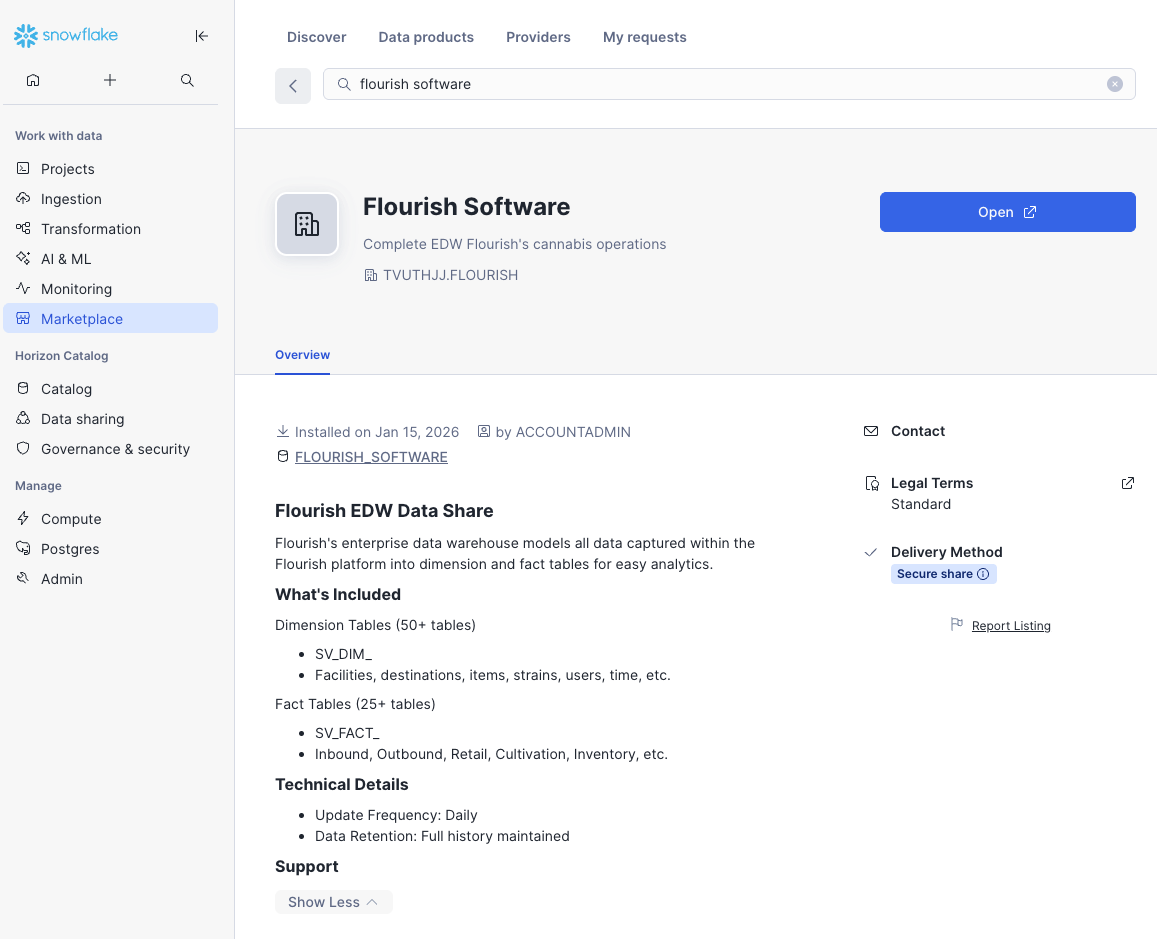
Click "Get" on the listing to add the listing to your account. You can specify a database name and role access. Once added, you will see your database in your Catalog. Once added, you can click "Open" to open a worksheet and start exploring the data.
Using the Flourish EDW Data Listing
Here are some best practices and tips for using the data.
Access Control
You can grant access to specific roles with "Getting" the data in the User Interface.
-- Option A: Grant to existing role
          GRANT IMPORTED PRIVILEGES ON DATABASE FLOURISH_SOFTWARE TO ROLE SYSADMIN;

          -- Option B: Create dedicated role
          CREATE ROLE FLOURISH_ANALYST;
          GRANT IMPORTED PRIVILEGES ON DATABASE FLOURISH_SOFTWARE TO ROLE FLOURISH_ANALYST;
          GRANT ROLE FLOURISH_ANALYST TO USER username@emaildomain.com;
Computing
Create a dedicated warehouse to use for analytics to monitor and control costs.
Data Structure
The data is modeled with dimension and fact tables.
- SV_DIM_ is the prefix for dimensions
- SV_FACT_ is the prefix for facts
Troubleshooting
Issue: Can't find the listing
→ Check with the Flourish team to ensure the listing is published to your account
Issue: "No data visible in tables" → Have the Flourish team verify that your COMPANY_ID is correctly mapped → Contact us to verify access control configuration
Issue: "Permission denied" → Ensure IMPORTED PRIVILEGES granted to your role → Verify role has access to created database
How did we do?
Use the Retail Store Replenishment Report to Plan Store Transfers
