Till and Cash Permissions
Till and Cash Permissions. Purpose. Till and cash permissions control who can move cash, close tills, count vaults, reconcile electronic payments, and change a cash-drawer setting. Assign the permiss…
Till and Cash Permissions
Purpose
Till and cash permissions control who can move cash, close tills, count vaults, reconcile electronic payments, and change a cash-drawer setting. Assign the permission to the role that needs the action, then confirm the user has the correct role for the facility.
Permission Reference
Permission | Allows the user to |
Perform pay in | Record cash moving into an eligible till or sub-vault |
Perform pay out | Record cash moving out of an eligible till or sub-vault |
Count vault | Report counted cash for a vault and its selected sub-vaults |
Reconcile e-payments | Compare supported external payment totals with Flourish totals |
Close till | Close an open till and record ending amounts |
Change drawer kick command | Select and test the cash-drawer command in Retail POS |
Configure a Role
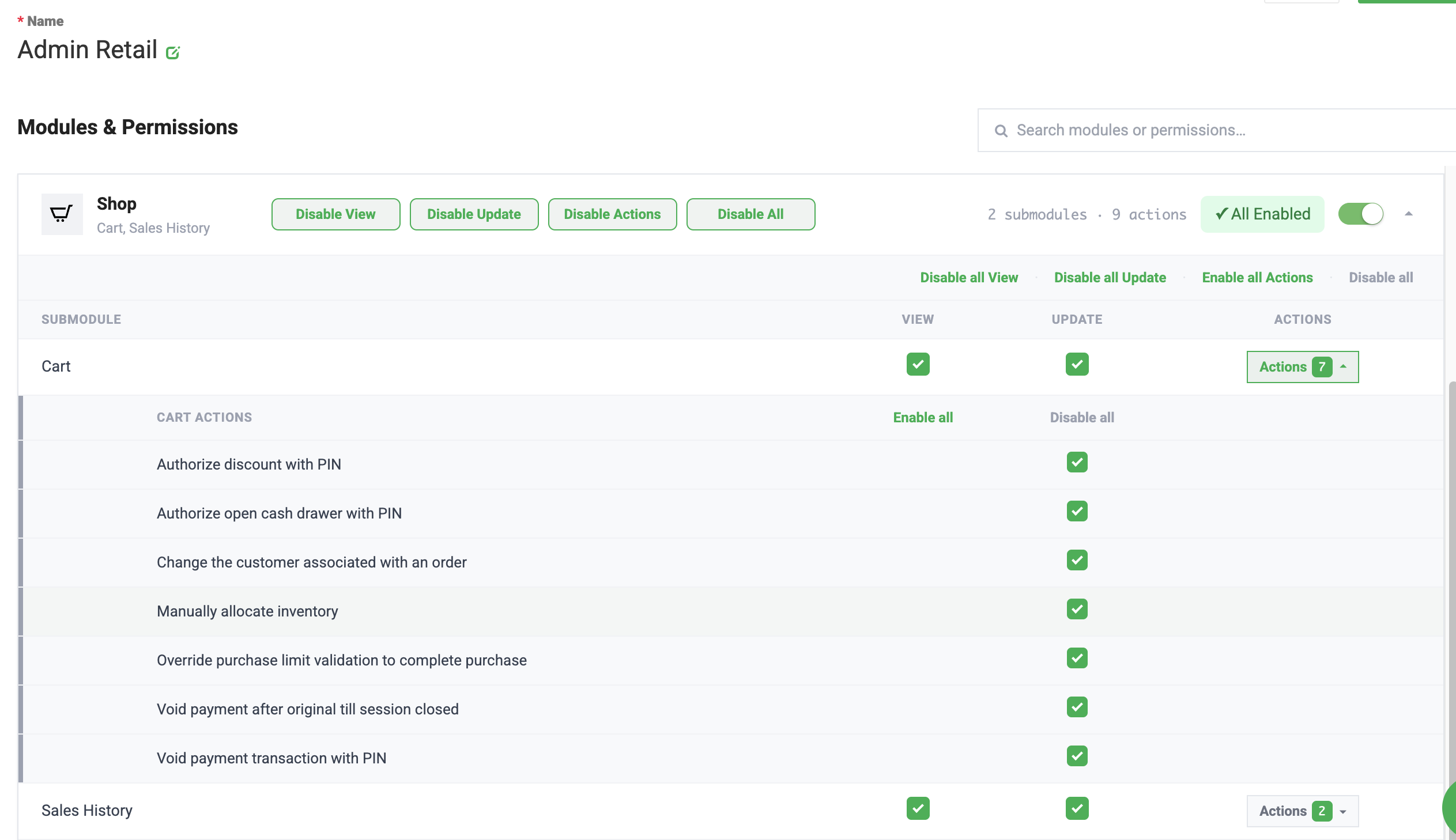
- In Flourish Web, open Settings > User Roles.
- Select the applicable facility and application area.
- Select Edit on the role.
- Enable only the permissions the role needs.
- Select Save.
- Have an affected user refresh or sign in again if the updated action is not immediately available.
Use Least-Privilege Access
Cash movement, reconciliation, variance, and closing actions affect operational records. Keep these permissions with trained roles, and review access when responsibilities change.
If an Action Is Missing
Confirm all of the following:
- The user is working in the correct facility.
- The user's role is enabled for the applicable Flourish surface.
- The role contains the required permission.
- The till, vault, or payment method is in a state that permits the action.
- The user has refreshed the page or started a new session after a role change.
If the action is still unavailable, record the user's role, facility, till or vault, and attempted action before contacting Flourish Support.
How did we do?
Create a Retail Delivery Order
Retail Order Not In Queue
