Update Facility and Invoice Origin Address
Update the address displayed on your outbound invoices
Follow these steps to update the origin address on your outbound order invoice.
- Navigate to Flourish Settings
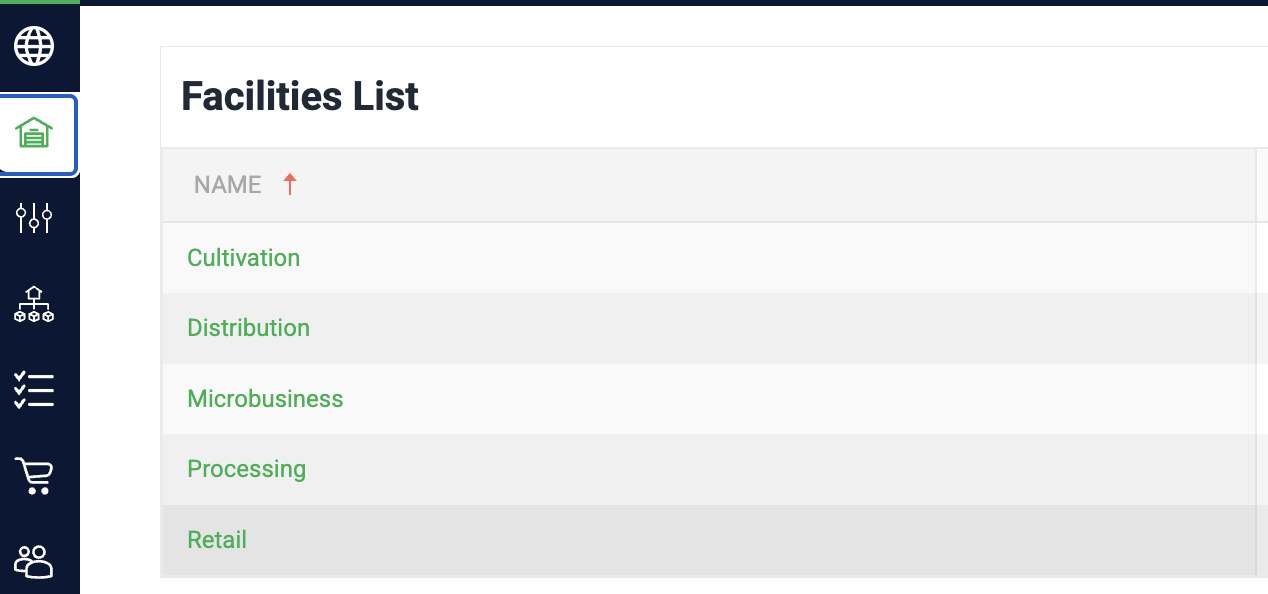
- Click on the Facilities tab
- Click on the facility you wish to modify.
- Click Edit
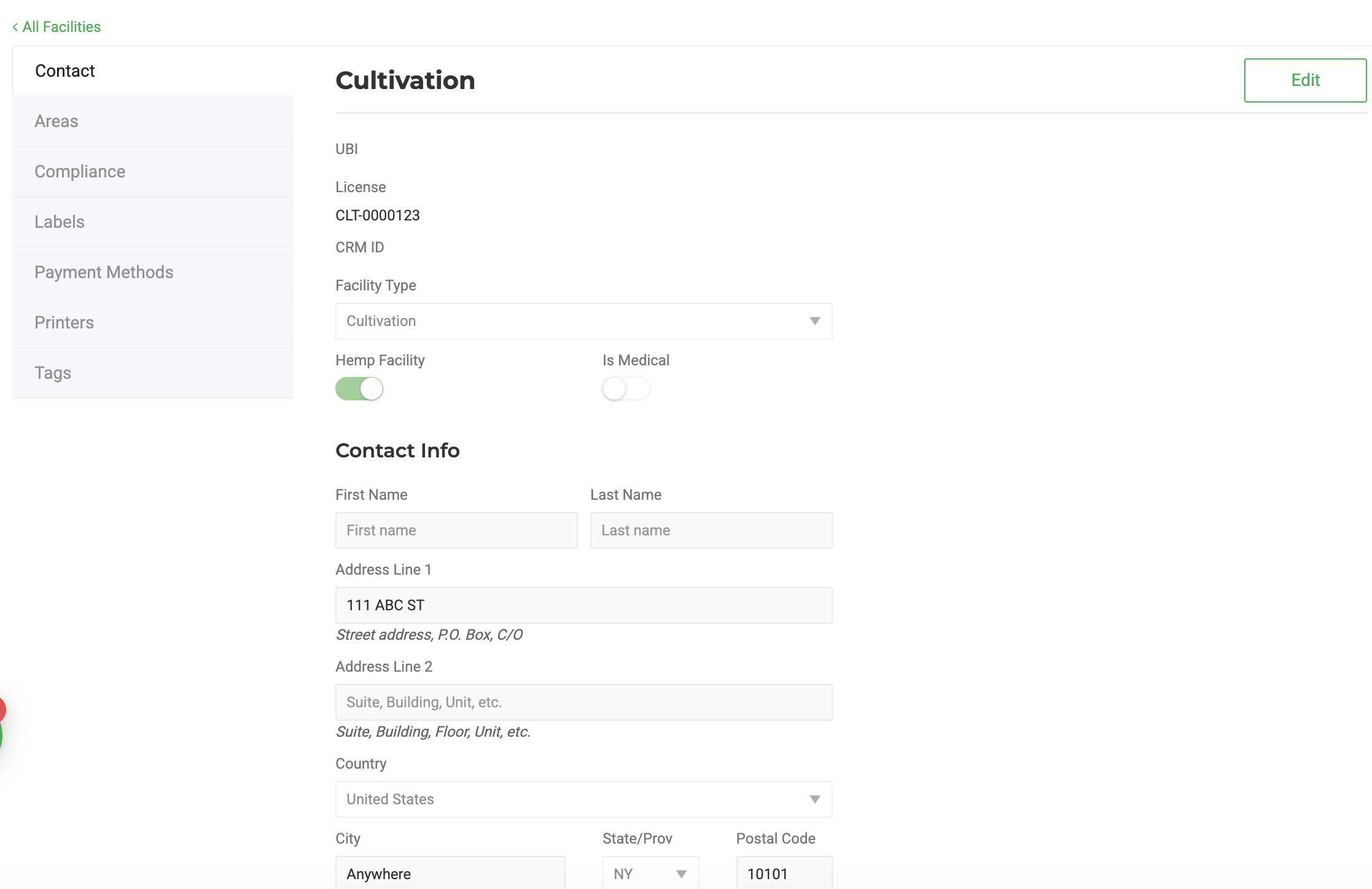
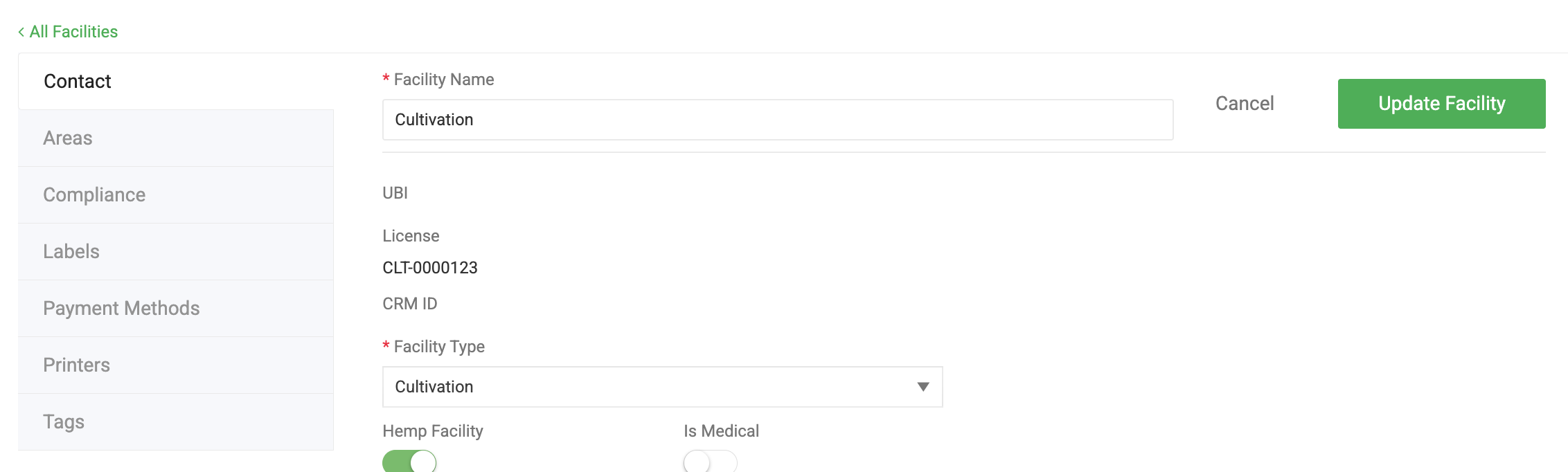
- Update the address and contact information
- Click Update Facility to save
How did we do?
Update Phone Number
