Table of Contents
Inventory: Configuring Bulk Actions
Certain inventory actions within Flourish can be performed on individual packages or by selecting multiple packages. These include: Combining packages. Locating packages. Adding packages to an outbou…
Table of Contents
Certain inventory actions within Flourish can be performed on individual packages or by selecting multiple packages. These include:
- Combining packages
- Locating packages
- Adding packages to an outbound Sales Order
- Printing package labels
- Add to Manufacturing Run
- Lock/Unlock Packages
Bulk Actions can be enabled or disabled for each facility in your Flourish instance. Bulk Actions are enabled as the default setting. Follow the instructions below for how to disable the Bulk Actions functionality.
Enabling/Disabling Bulk Actions on Inventory
- Navigate to Manage Settings.
![Screenshot of the Flourish user account dropdown menu (opened via the "Hi, [Name]" greeting), showing menu options including Manage Settings, Print Settings, Support, Your Profile,…](https://files.helpdocs.io/7xqaguw7nr/articles/aup6hckax3/1786479449382/screenshot-2026-08-11-at-2-17-10-pm.png)
- Click Configuration.
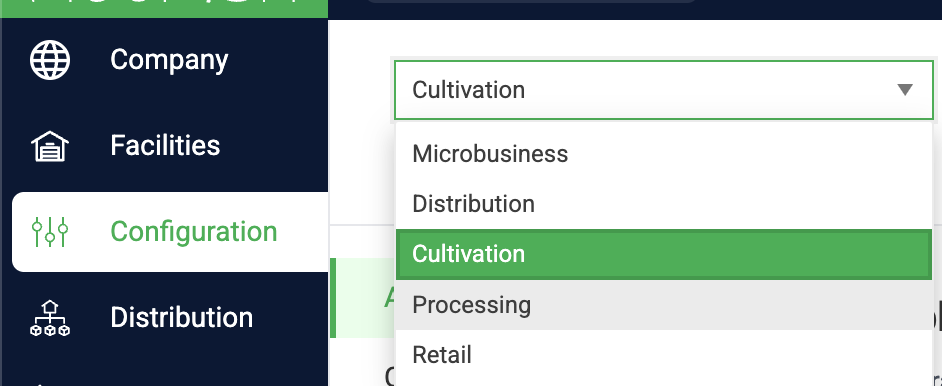
- Choose the desired facility.
- Under the Inventory section, toggle the switch on to disable Bulk Actions.
Note: When enabled, combining inventory can optionally be further limited to only: packages with the same item name or packages in the same lot/batch

- Changes are Automatically Saved.
How did we do?
Disabling Areas
Update Facility and Invoice Origin Address
