Table of Contents
Track Manufacturing Runs, Yield & Environmental Data
Learn how Flourish's Manufacturing module tracks production runs, machine performance, throughput, yield, and environmental conditions to manage inventory and optimize output.
Table of Contents
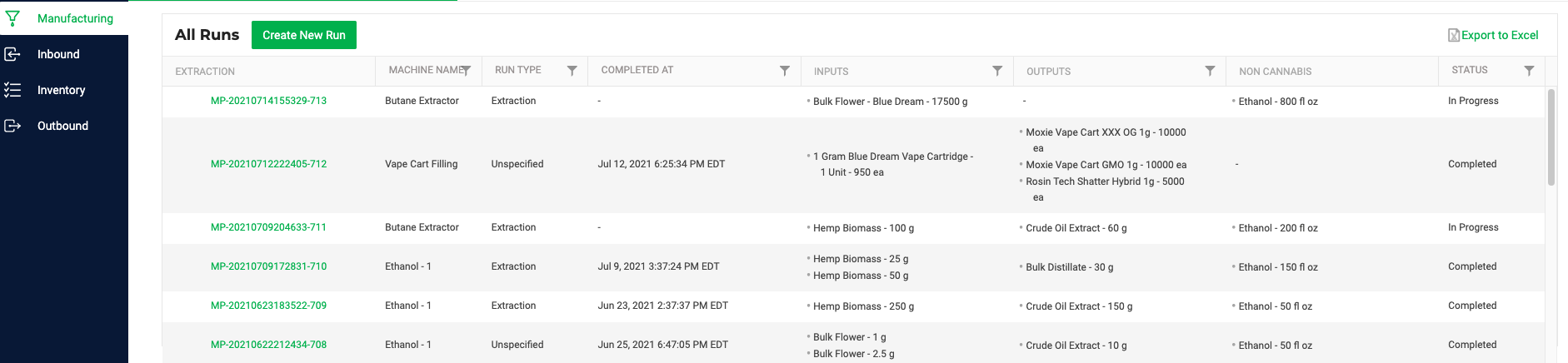
The Manufacturing module tracks the data associated with any manufacturing process, enabling visibility into machine function, throughput, and yield, environmental factors, use of non-cannabis consumables, and more.
In general, you select input packages and consumables from existing inventory; you start the run (and incrementally save), then you record post-run output packages. The output material is then added to inventory.
Getting Started
If you already have a Manufacturing license with Flourish, you can easily activate this new module by following the steps below:
- Go to Manage Settings.
- Select User Roles.
- Toggle ON View and Update next to the Manufacturing Module.

If you don't have a manufacturing license with Flourish and need one, please reach out to support@FlourishSoftware.com.
Adding Machines and Runs
- Go to Manage Settings.
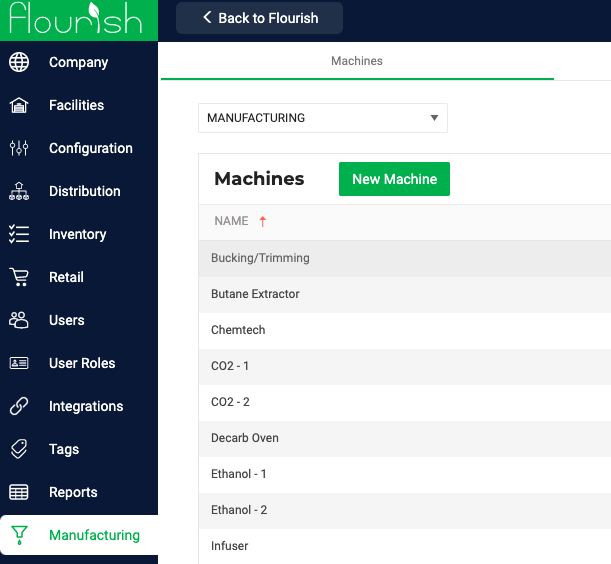
- Select Manufacturing.
- For FAQ on how to Add Machines and Run Types: Machine Run Configuration
- Once at least one machine has been added, you can start a new Run.
- To Start a New Manufacturing Run, see: Start A New Manufacturing Run
How did we do?
Manufacturing Work Orders with BOMs
