Table of Contents
Manage Mother Plants in Metrc
Manage mother plants in Metrc from Flourish: how the Mother stage syncs by state, set up a Mother area, and which actions Metrc allows on mother plants and groups.
Table of Contents
Metrc tracks mother plants as their own growth stage in most states. Flourish syncs its Mother stage to Metrc, so you manage mothers the same way you manage other groups, with a few restrictions Metrc enforces.
How Mother Plants Sync by State
State | How Flourish's Mother stage syncs |
Most Metrc states | Syncs to Metrc's Mother stage. The restrictions below apply. |
Colorado, Missouri | Metrc has no Mother stage. Plants in Flourish's Mother stage sync as Vegetation. |
California | Mothers are treated as immature and untagged. |
Before You Start
Create at least one area with the Mother area type, mapped to a Metrc Mother Room location.

Move Plants to Mother
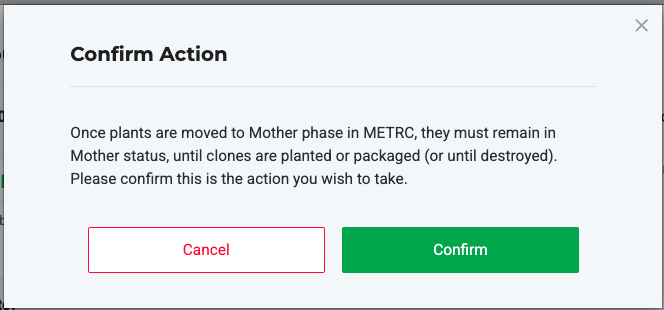
Move the plants or group into your Mother area. See Move Plants Between Areas in the Grow Module. Flourish asks you to confirm, because the move can't be reversed in Metrc.
What You Can Do with Mothers
Action | On a mother group | On individual mother plants |
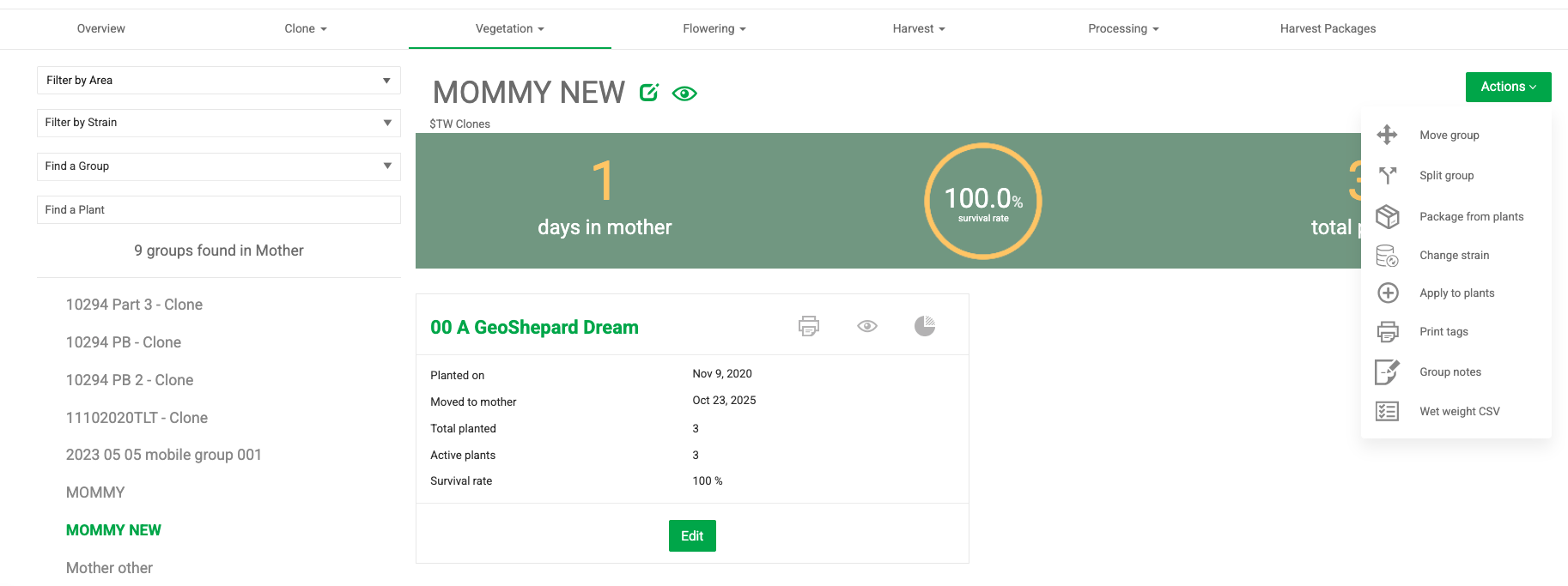
Move Group, Split Group | Yes, to another Mother area only. | No |
Package from Plants | Yes | Yes |
Change Strain | Yes | Yes |
Apply to Plants (additives) | Yes | No |
Print Tags | Yes | Yes |
Replace Tags | No | Yes |
Destroy Plants | No | Yes |
Group Notes, Export Wet Weight CSV | Yes | No |
If you try to move or split a mother group outside a Mother area, Flourish shows: "Due to Metrc integration, available areas are limited to the Mother phase."
Take Clones from a Mother
Create plants and select the mother plant or group as the origin. See Create Plants from Clones, Seeds, or Tissue Culture.
How did we do?
Reduce Immature Plant Batches in Metrc
Replace Plant Tags in Metrc
