Table of Contents
Configure Alpine IQ Loyalty Integration in Flourish
Summary. Flourish is integrating Cannabis industry-leading Loyalty Services from Alpine IQ with Flourish's enterprise-grade Retail & POS. The tightly embedded integration of Alpine IQ into Flourish w…
Table of Contents
Summary
Flourish enterprise-grade retail Point-of-sale integrates with Alpine IQ, an industry-leading loyalty and marketing platform. This integration is being released in phases. You can learn more about the phases here.
Integration Setup
To enable the Flourish and Alpine IQ integration, you must have active accounts with both platforms. Several settings need to be enabled and configured in Flourish and Alpine IQ that users with Administrative Privileges need to perform to configure the integration.
To respect POS Systems integration bandwidth, Alpine IQ API integrations can take up to 4-hours for an initial API Integration to begin to start working.
Integration User
General
The Basics
- Alpine IQ uses the Flourish Software API key to pull customer and order info at intervals to add points and rewards to customers' loyalty accounts.
- Flourish uses the Alpine IQ key to fetch loyalty member information and rewards/points, create new loyalty members, redeem rewards, and more.
The Steps
There are three parts to the setup, and setting up in the following order enables both platforms to communicate:
- Alpine IQ Integration Settings for Flourish.
- Flourish Integration Settings for Alpine IQ.
- Master Verification PIN .
Setup process
The best way to set up the integration is to work with two tabs open simultaneously—one tab in Flourish Software and the other tab in Alpine IQ. You will copy and paste the data from one tab into the other.
Alpine IQ Integration Settings for Flourish
These settings allow Flourish to read/write customers and loyalty rewards from Alpine IQ.
In Flourish Software
- Navigate to: Settings/Integrations.
- In the Alpine IQ card:
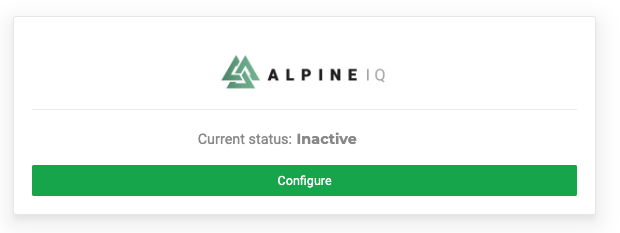
For new integrations, select "Configure".
For existing integrations, click the Pencil icon
 next to Active.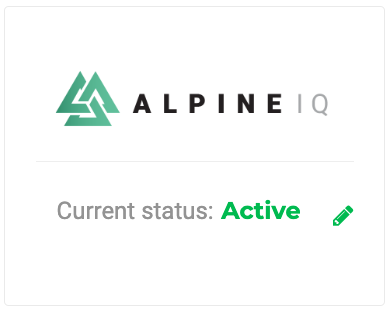
- In the Alpine IQ Integrations page, ensure you are on the Settings > API & Tracking tab:
- Copy the Alpine IQ UID and the Alpine IQ Key from Alpine IQ
- Paste those values into the corresponding fields in Flourish
- Click Connect
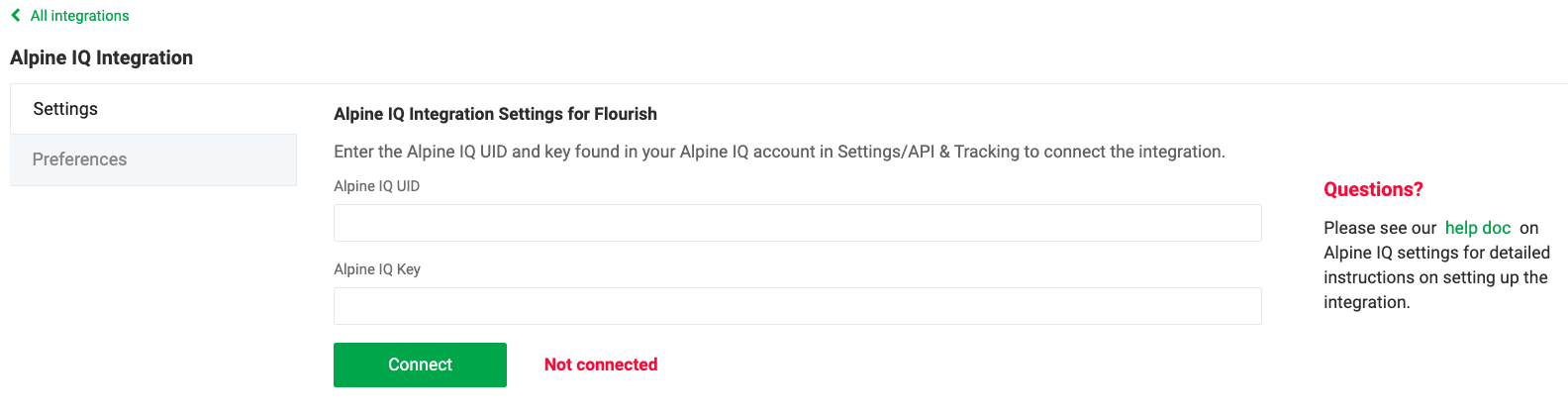
- Once connected, a new section of the page will appear (as shown below): Flourish Integration Settings for Alpine IQ. You will set this up next.
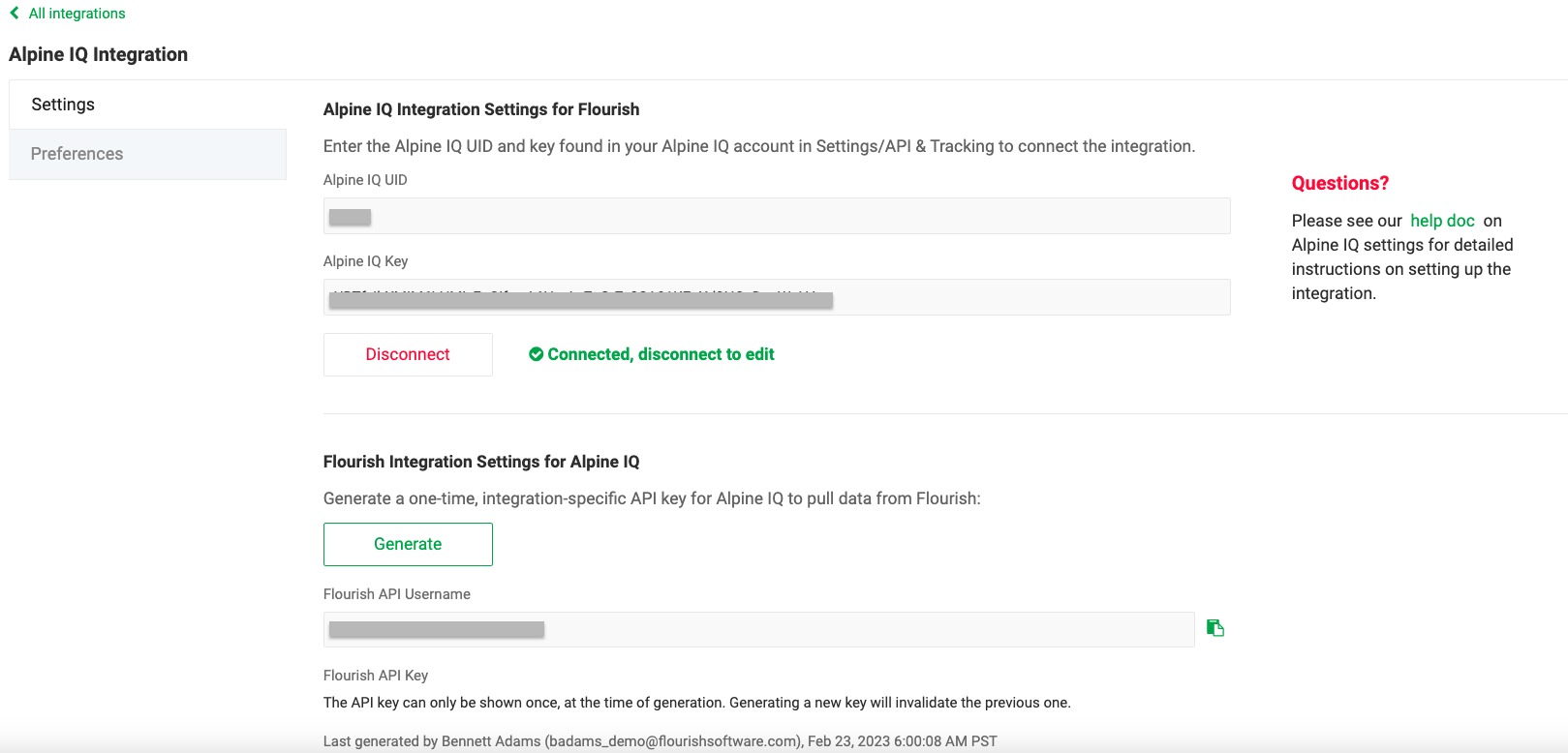
Flourish Integration Settings for Alpine IQ
These settings allow Alpine IQ to read Customer and Sales data from Flourish.
In Flourish Software
On the Flourish Integration Settings for Alpine IQ
The API Key value will only be shown once. specifically for the Alpine IQ integration. | 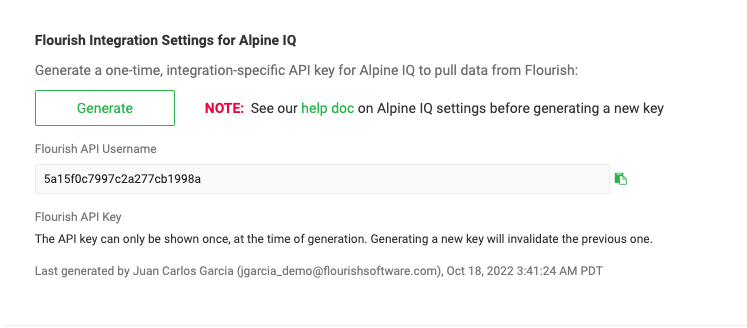 |
 buttons
In Alpine IQ
| 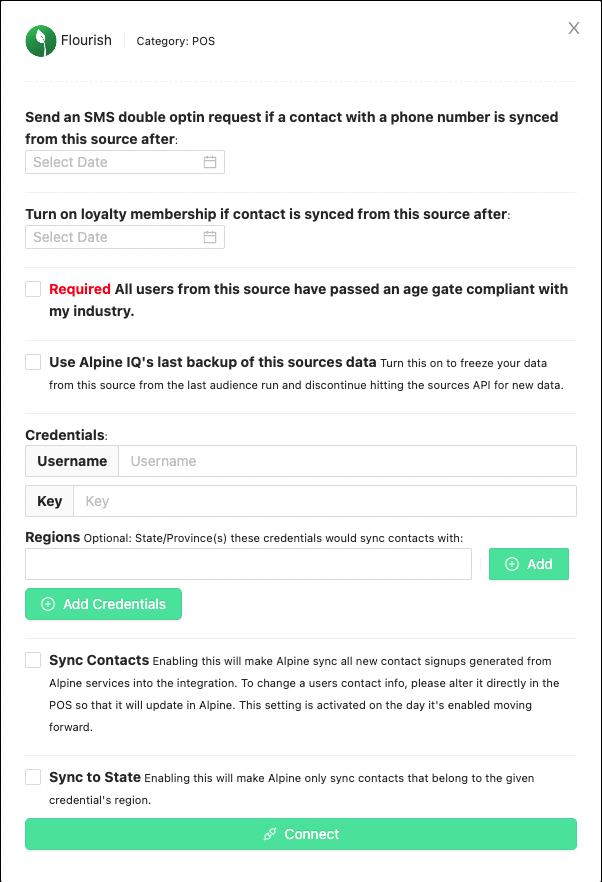 |
If there are any issues in connecting Flourish to Alpine IQ, please contact Flourish Support for assistance with this section.
Integration Preferences
Customize the behavior of several aspects of the integration and the POS to match your processes and workflows.
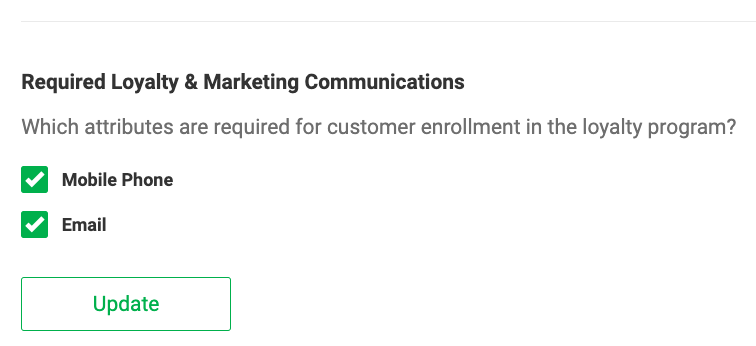
Required Loyalty & Marketing Communications
Set the attributes required for customer enrollment in the loyalty program.
The fields you set in this part are mandatory when the team member enrolls the client in the loyalty program.
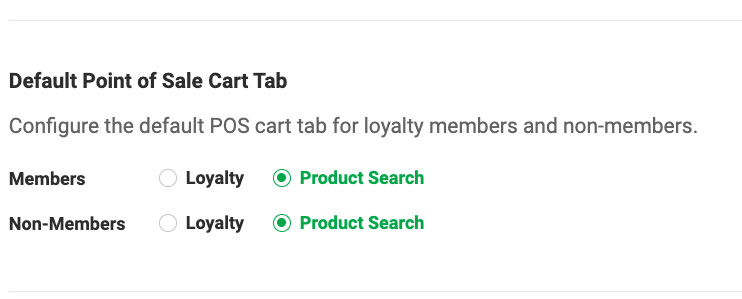
Default Point of Sale Cart Tab
Configure the default POS cart tab for loyalty members and non-members. With this preference, you set what tab the retail team sees when they go to the shopping cart.
- Loyalty
- Product Search
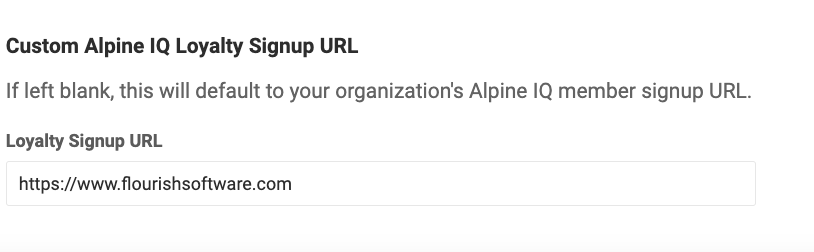
Custom Alpine IQ Loyalty Signup URL
The URL in this field sets the QR code on the Customer receipts that redirects to the Alpine IQ member signup.
Some companies have a custom URL for the Alpine IQ member signup. The Alpine IQ member signup URL will default to your organization's Alpine IQ member signup URL if left blank.
How did we do?
Alpine IQ Integration: Setup Loyalty & Rewards
Alpine IQ: Creating & Mapping Discounts
