Mobile App - Manage Retail Deliveries & Orders with Flourish Mobile App
Use Flourish's mobile app for retail operations, including delivery management and order fulfilment.
Flourish's Retail module brings your dispensary's sales floor, back office, and deliveries to the Flourish mobile app. It's designed to be scan-first, with manual actions as a fallback.
User Permissions
Enable view and edit access to the Retail module for the mobile app on the user's role (in the web app, under Manage Settings > User Roles, on the role's Mobile Application tab). Some actions need their own permissions, noted in each article.
The Retail Hub
From the app home screen, tap Retail. The hub has three tabs.
Queue
The Queue tab opens first. It's your live sales floor: every customer and order on one board, split into In-Store, Pickup, and Delivery. Start sales, open carts, send orders to be packed, and confirm deliveries.
See Mobile App - Retail Queue and Mobile App - Point of Sale on an Android Tablet or TC22.
Check-In
Scan a customer's ID or search for them, create and edit profiles, enroll customers in loyalty, store their documents, and start a sale.
See Mobile App – Checking in and Managing Retail Customers.
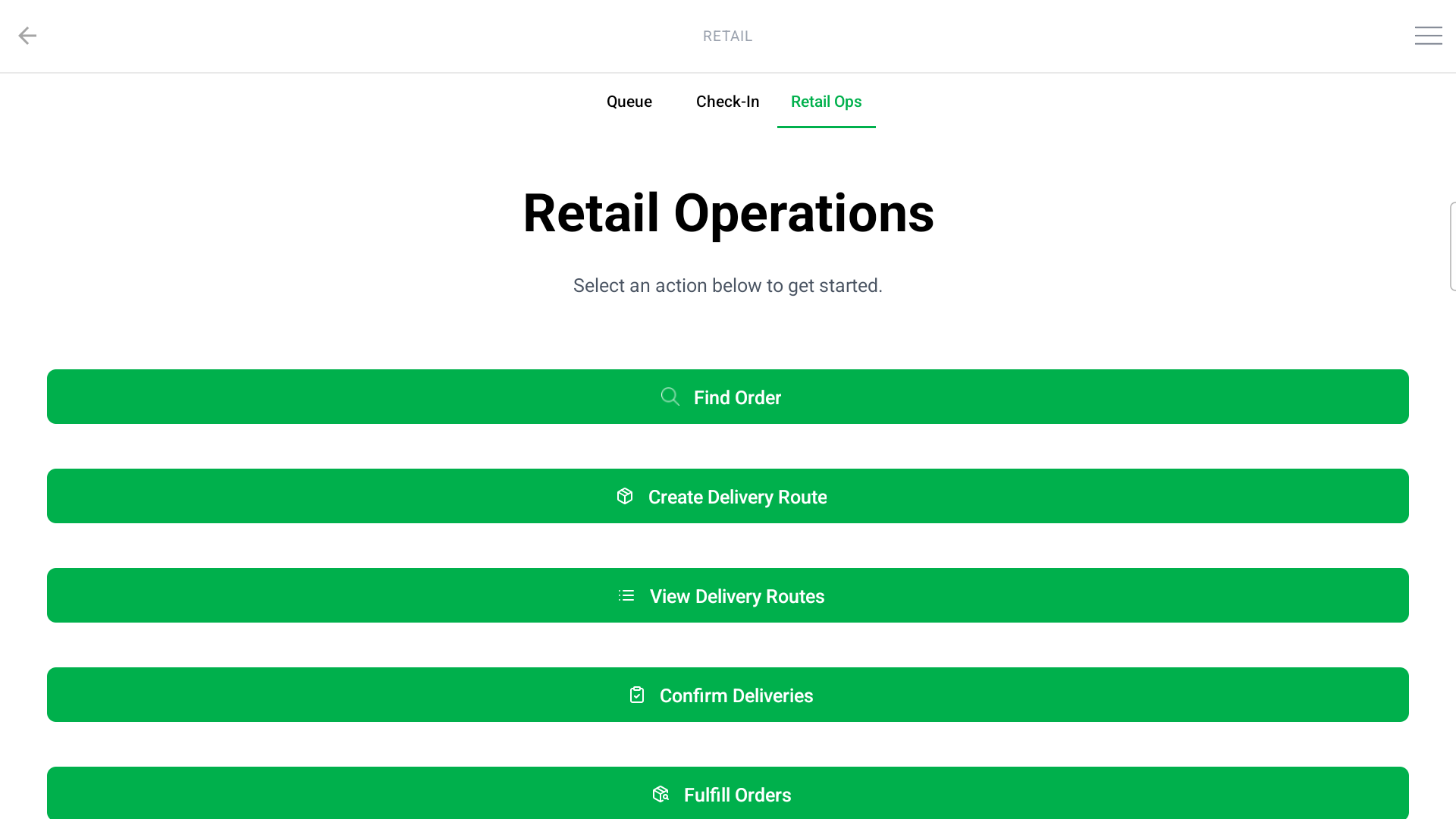
Retail Ops
Back-office actions:
- Find Order: look up any sale by customer, patient ID, or order number to reprint a receipt, void a payment, or process a return.
- Create Delivery Route and View Delivery Routes: plan delivery runs. See Mobile App - Retail Delivery Management.
- Confirm Deliveries: opens the Queue's Delivery board to confirm orders as delivered.
- Fulfill Orders: the fulfillment queue for packing orders. See Mobile App - Retail Order Fulfillment.
How did we do?
Mobile App – Checking in and Managing Retail Customers
Mobile App - Retail Delivery Management
