Handle an Undeliverable Retail Order
Handling Undeliverable Retail Orders. Purpose. Mark a retail delivery order Undeliverable when a driver cannot complete a delivery stop. Flourish removes the order from its delivery route and from th…
Handling Undeliverable Retail Orders
Purpose
Mark a retail delivery order Undeliverable when a driver cannot complete a delivery stop. Flourish removes the order from its delivery route and from the Delivery queue in Retail POS, so you can reschedule, edit, or cancel the order without disrupting the rest of the route.
Prerequisites
- Confirm the Purchase ID and customer for the order before you begin.
- Confirm that the order is assigned to a delivery route.
- Record why the stop could not be completed, following your facility's process.
- Confirm whether your facility uses METRC, MMUR, BioTrack, or another compliance system that creates a delivery record, manifest, or hold. Marking an order Undeliverable can affect that record.
Mark an Order Undeliverable
- In Flourish Web App, select Retail > Purchases > All Purchases.
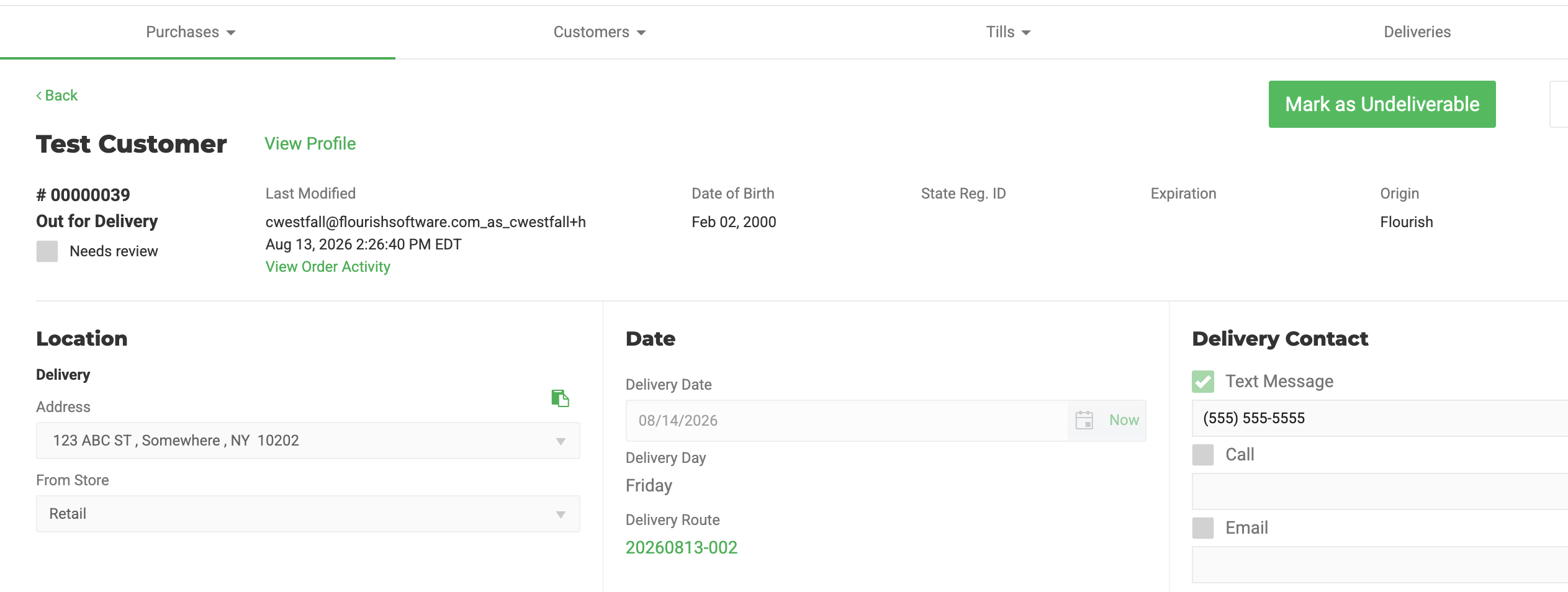
- Select the Purchase ID for the delivery order.
- Select Mark as Undeliverable.
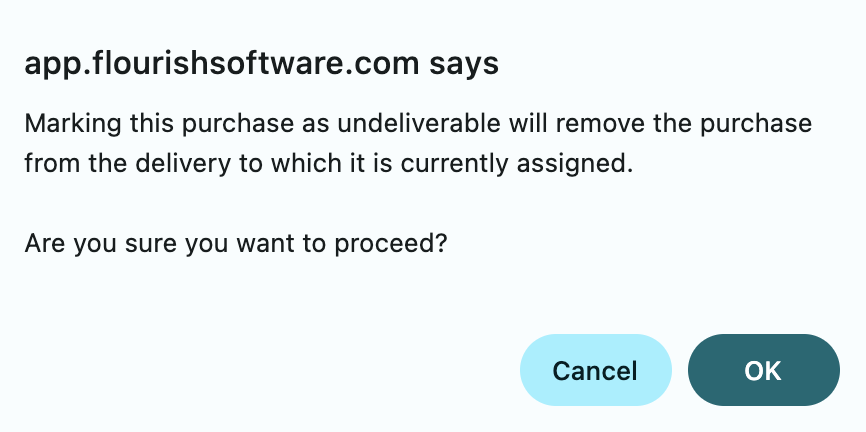
- Review the confirmation that Flourish will remove the order from its route.
- Click OK.
Expected Result
The order status changes to Undeliverable. Flourish removes the order from the active delivery route and from the Delivery queue in Retail POS.
Decide What Happens Next
After an order shows Undeliverable, decide whether to reschedule it, edit it, or cancel it.
Reschedule the Order
Move the order through the standard status path until it reaches Packed status and is eligible for a new route. Confirm the new delivery date, then add the order to a route for that date.
Edit Items, Quantities, or Delivery Details
Move the order from Undeliverable to Packed, then back to Created, before you edit it. If your facility uses METRC, use Edit a METRC Delivery Order After It Is Out for Delivery instead. The status changes required to edit the order affect the METRC delivery record.
Cancel the Order
Follow your facility's standard cancellation procedure. Confirm how cancellation affects allocated inventory, payments, and any external delivery record before you proceed.
Compliance Note
Marking an order Undeliverable affects compliance systems differently:
- METRC: Removes the delivery record.
- Florida MMUR: May require manually removing a placeholder dispensation.
- Florida BioTrack: Affects the manifest and the milligram hold separately.
Confirm the current behavior for your integration and jurisdiction before you take further action on the order.
Related Articles
How did we do?
Complete a Retail Delivery Order
Retail POS: Cancel, Void, or Return a Sale
