Printing Options on a Sales Order
Print COAs, Packing List, and Package Labels on a Sales Order. There are numerous locations from which you can print COAs, packing lists, and package labels for relevant packages. In Outbound, print…
Print COAs, Packing List, and Package Labels on a Sales Order
There are numerous locations from which you can print COAs, packing lists, and package labels for relevant packages. In Outbound, print any of these and/or the Sales Order Invoice. While COAs and packing lists are typically printed at shipment, they can be printed/re-printed on the order level (e.g. if there are multiple destinations on a shipment).
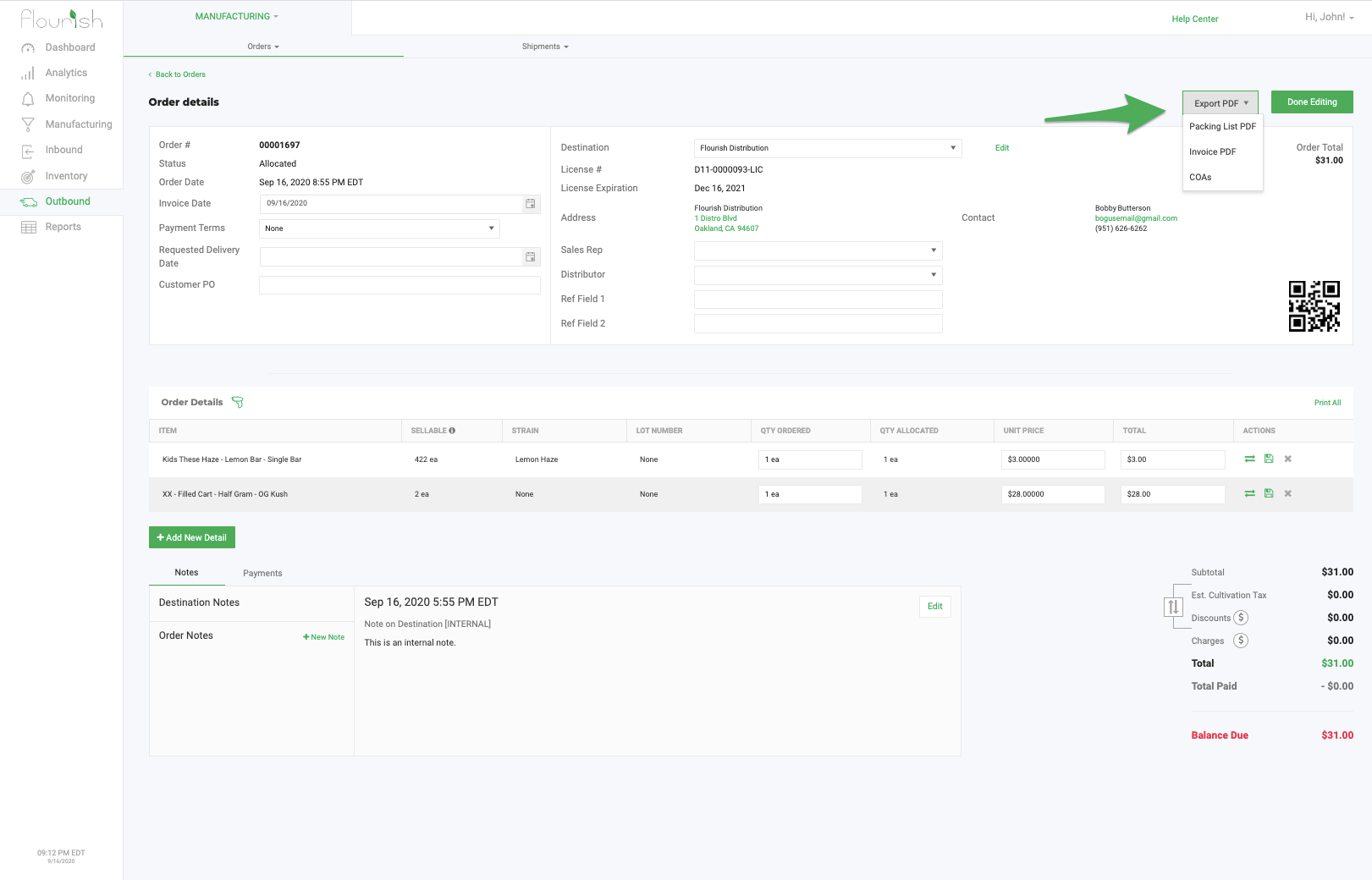
To print COAs, a packing list, and invoice on a Sales Order, find the order and click on Export PDF.
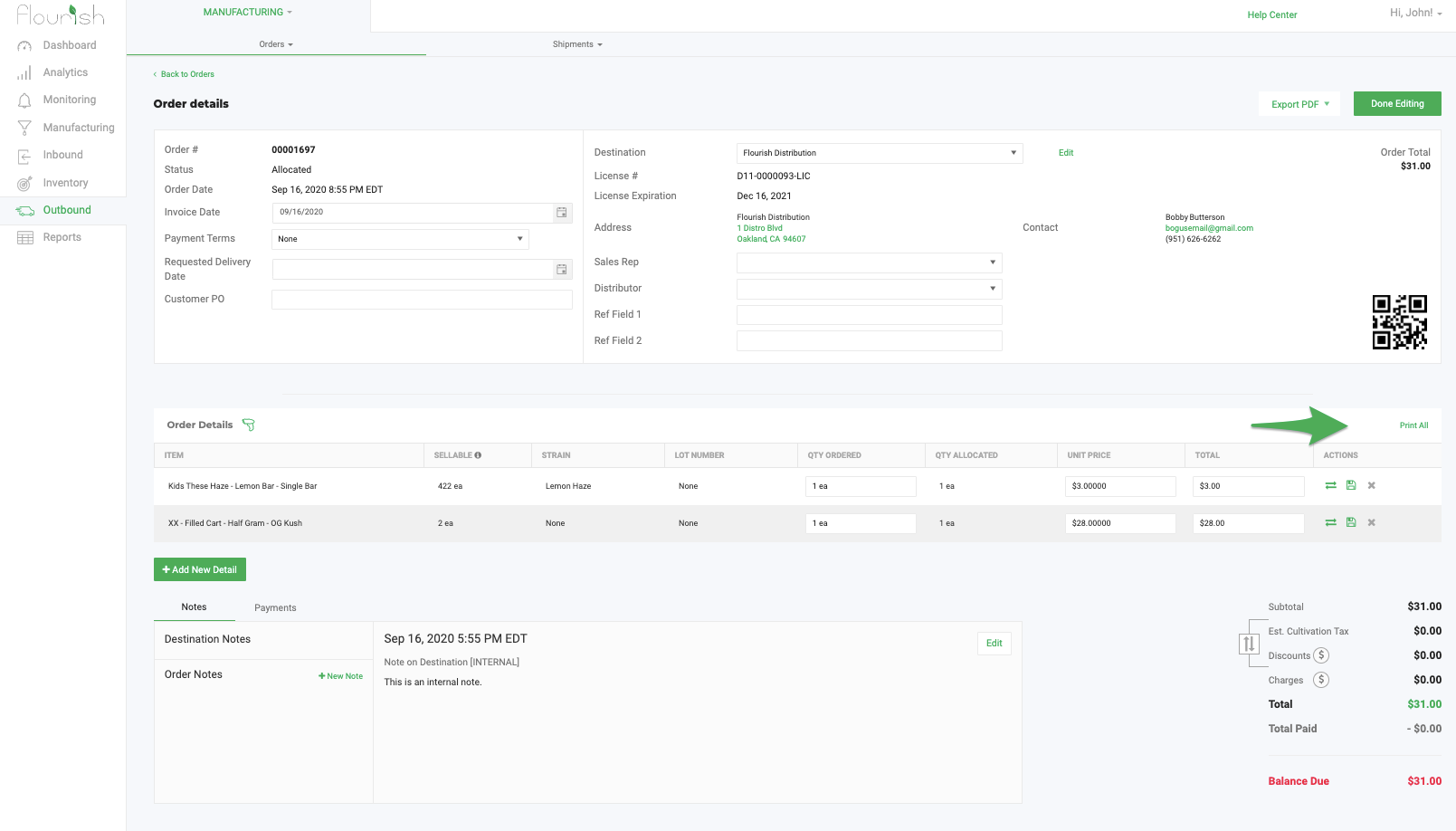
To print the package labels on an order, click "Print All" while editing a Sales order.
How did we do?
Change Facility - Move an Outbound Order between Flourish Facilities.
California Excise Tax Rates
