2021.04.09 Software Release 4.34.0
VERSION. 4.34.0 SUMMARY OF RELEASED ITEMS. Cultivation. Plant Plants from Packages (non-METRC). Retail/POS. Configuration to Remove Account Credit as a Return Option. Configurable User Timeout. Check…
VERSION
4.34.0
SUMMARY OF RELEASED ITEMS
Cultivation
- Plant Plants from Packages (non-METRC)
Retail/POS
- Configuration to Remove Account Credit as a Return Option
- Configurable User Timeout
- Check as a Payment Option
Inventory
- Inventory Counts PDFs will now Match the Name Column Filter
- Auto-Lock Packages with an In-Process or Failed Lab Test Record
- Added MG/Unit in Package Attributes
Admin
- Added Strain Description as a Package and Product Label option
Details
Cultivation
- Plant Plants from Packages (non-METRC)
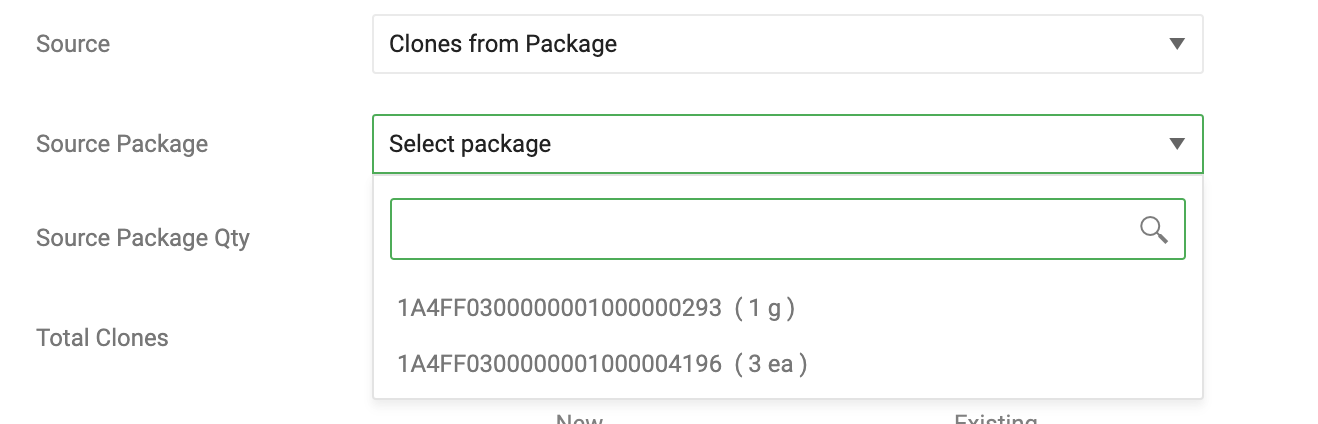
- We are extending the functionality that we have had for METRC users for non-METRC users! You will now be able to plant plants in the cloning phase directly from inventory packages.
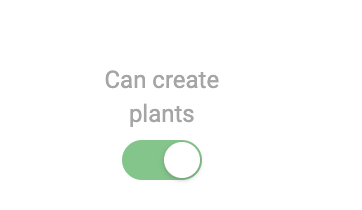
You must toggle on Can Create Plants for the category on items you want to plant plants with. This is found at Admin>Inventory>Class & Categories>Edit Category
You will select the source package to deduct the plants from.
Retail/POS
- Configuration to Remove Account Credit as a Return Option
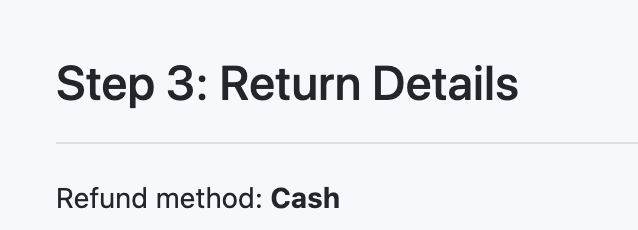
- Based on your requests we have added the option to remove Account Credit as an option when a customer is returning products in a retail setting.
This configuration is set at Admin>Configuration>Retail.
- Configurable User Time-out
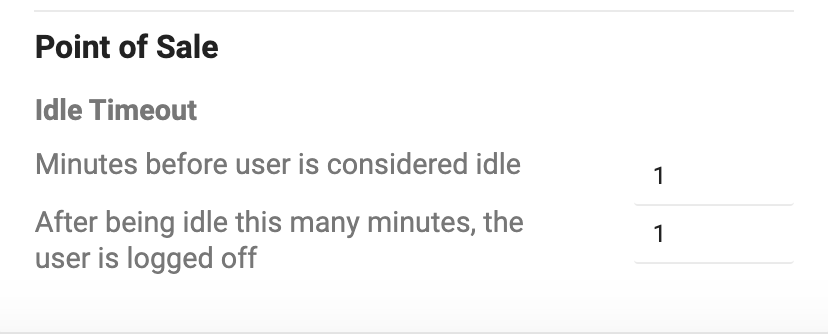
- We added the same configurable user time-out ad we have on the Web to the POS. This will allow you to set the time limits for when a user is considered idle and then when to log that user out to the PIN screen.
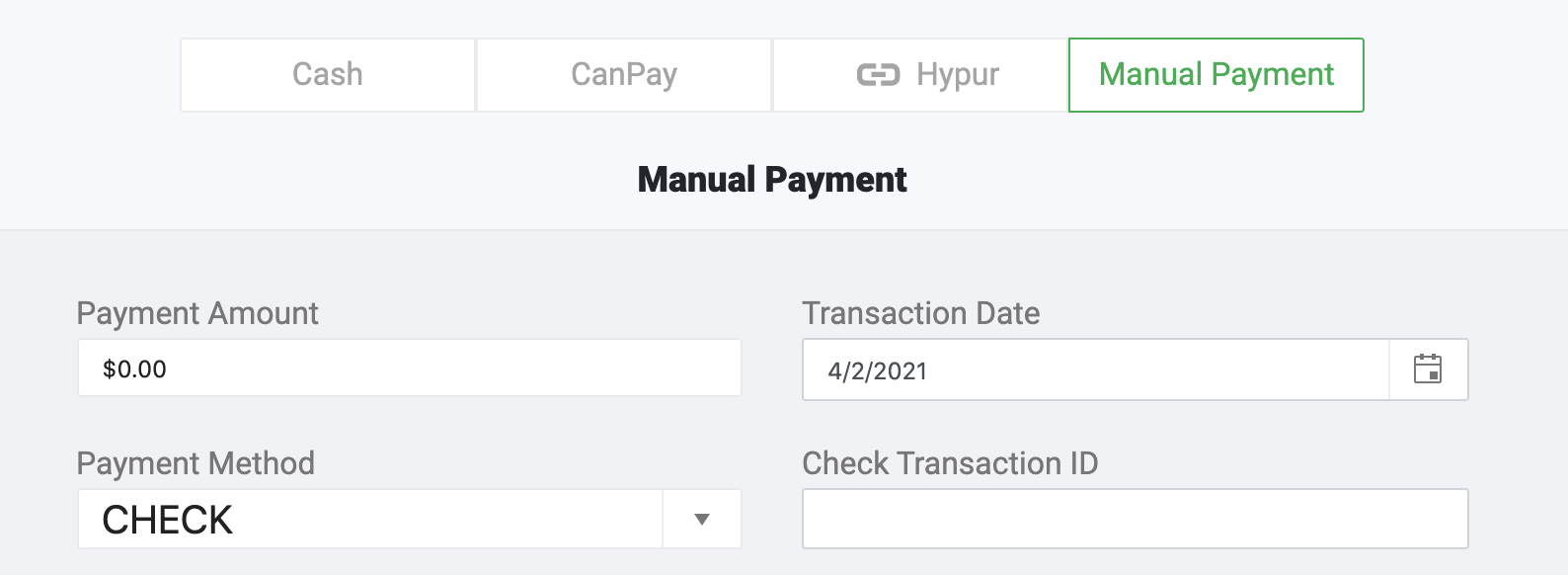
- Check as a Payment Option
- We have added Check as a payment option for those retailers that accept checks as a payment option.
You will need to toggle on Checks as a payment option at Admin>Facilities>Payment Methods>CheckCheck is a Payment Method under Manual Payments in the POS.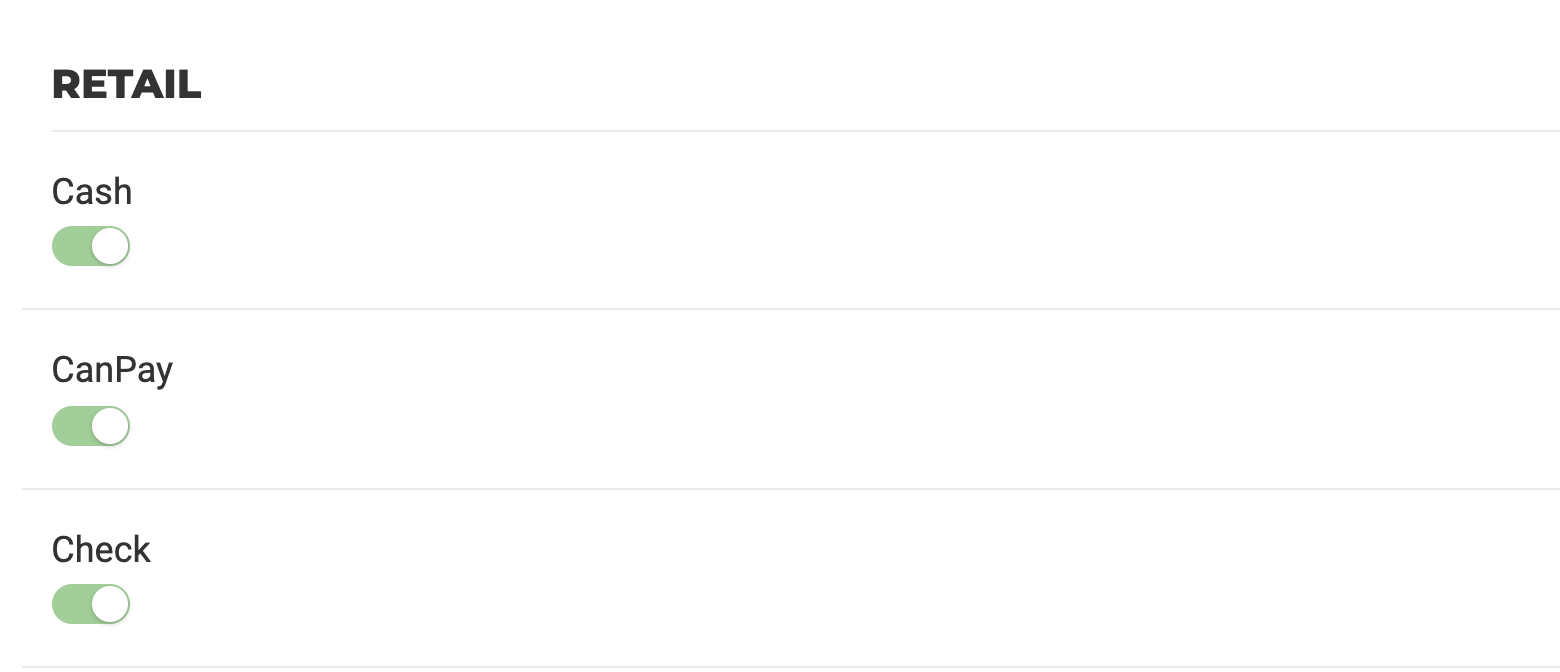
Inventory
- Inventory Counts PDFs will now Match the Name Column Filter
- To better accommodate how you use the inventory count feature we now include the item name column filter when printing the PDF! The pdf will now match what you want to count.
- Auto-Lock Packages with an In-Process or Failed Lab Test Record
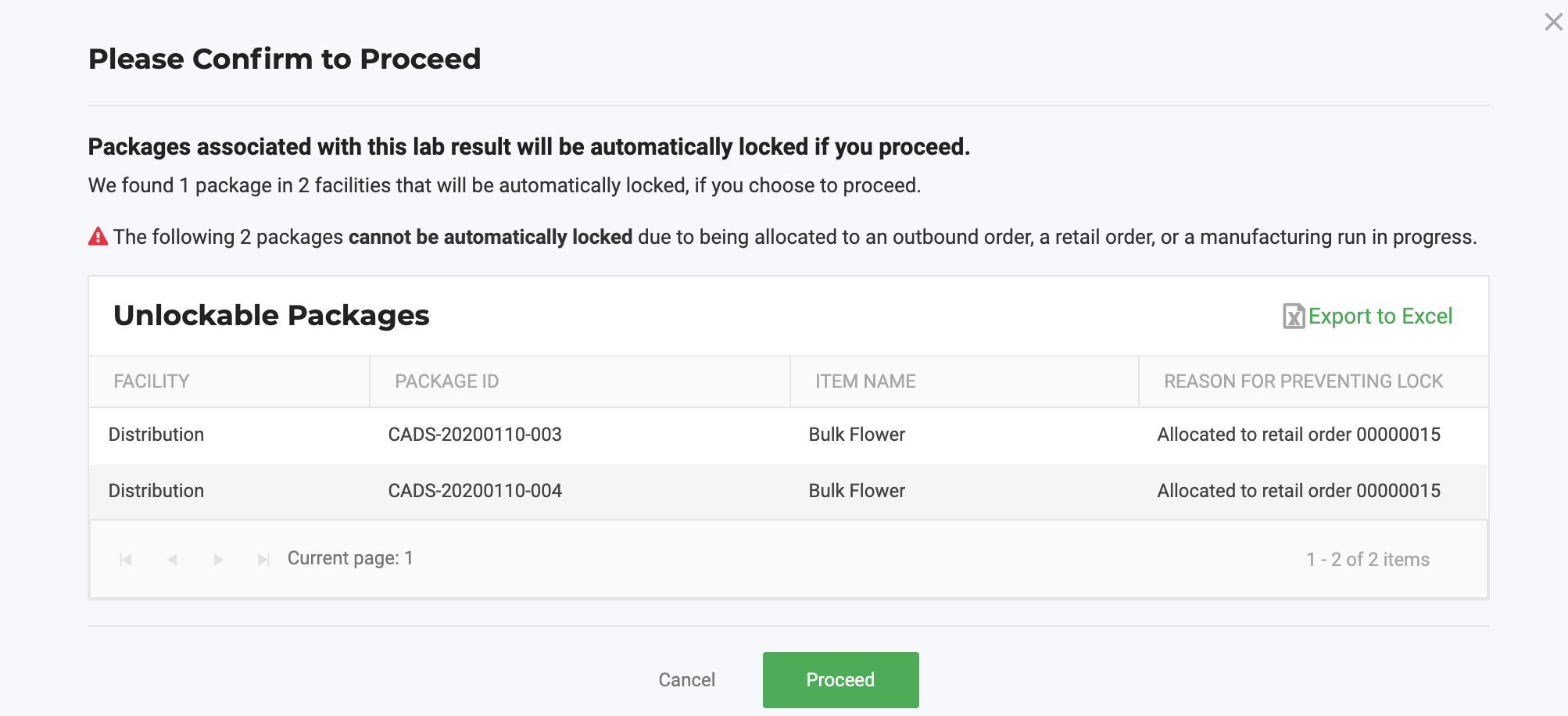
- We will now lock all packages associated with an in-process OR failed lab test result. This is a facility configuration of course. This will allow you to easily lock up packages with a 'Quarantine' status when the lab result is not passed. We will display all the packages that will be locked as a result of the in-process or failed result.
Due to this feature being able to lock packages at multiple facilities we have this configuration toggle under Admin>Company.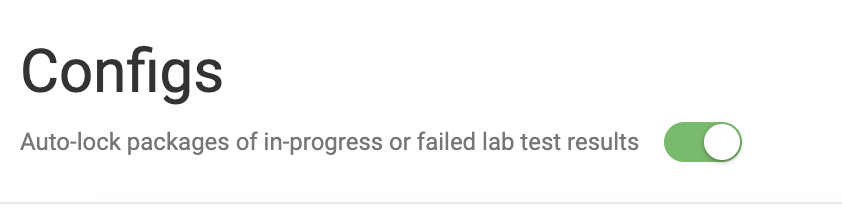
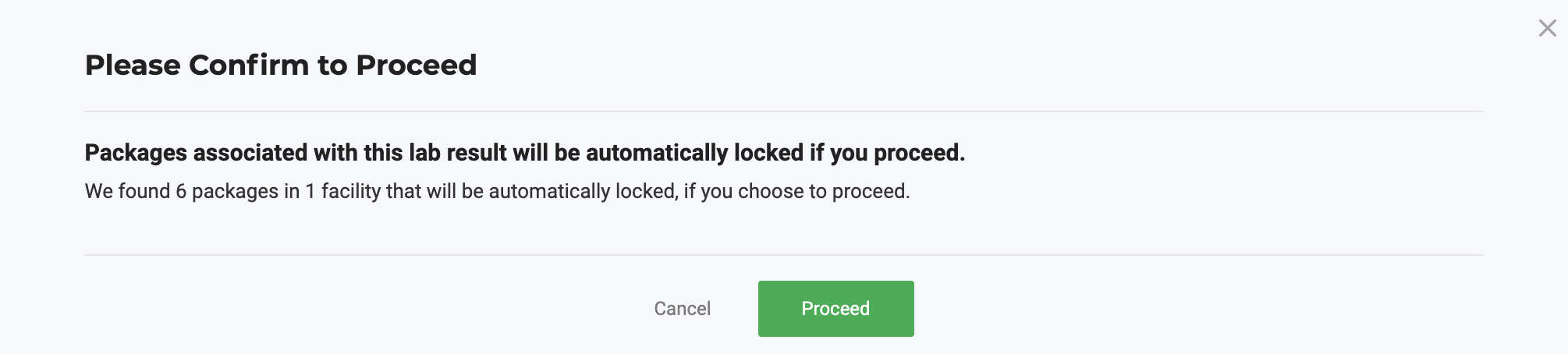
IF packages are allocated to orders they will NOT be auto-locked.
- Added MG/Unit in Package Attributes
- This will more accurately reflect what the corresponding cannabinoids levels are for the units in the package.
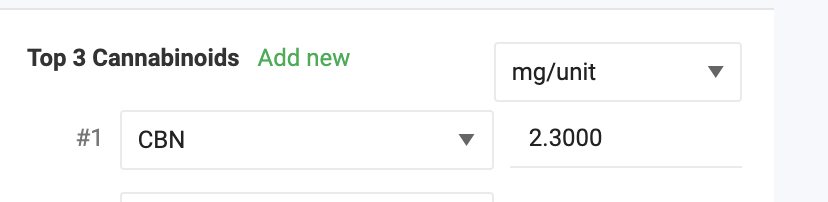
- This will more accurately reflect what the corresponding cannabinoids levels are for the units in the package.
Admin
- Added Strain Description as a Package and Product Label option
- We added the strain description as an option for package and product labels. This information can be used to tell your customers the characteristic of the strain they are buying!Learn how to configure labels here.

- We added the strain description as an option for package and product labels. This information can be used to tell your customers the characteristic of the strain they are buying!
How did we do?
2021.03.23 Software Release 4.33.0
2021.04.21 Software Release 4.35.0
